WLED
Connect WLED controllers via mDNS or static IP. DDP streams pixel data on port 4048; E1.31/sACN is available for DMX workflows. No authentication required.
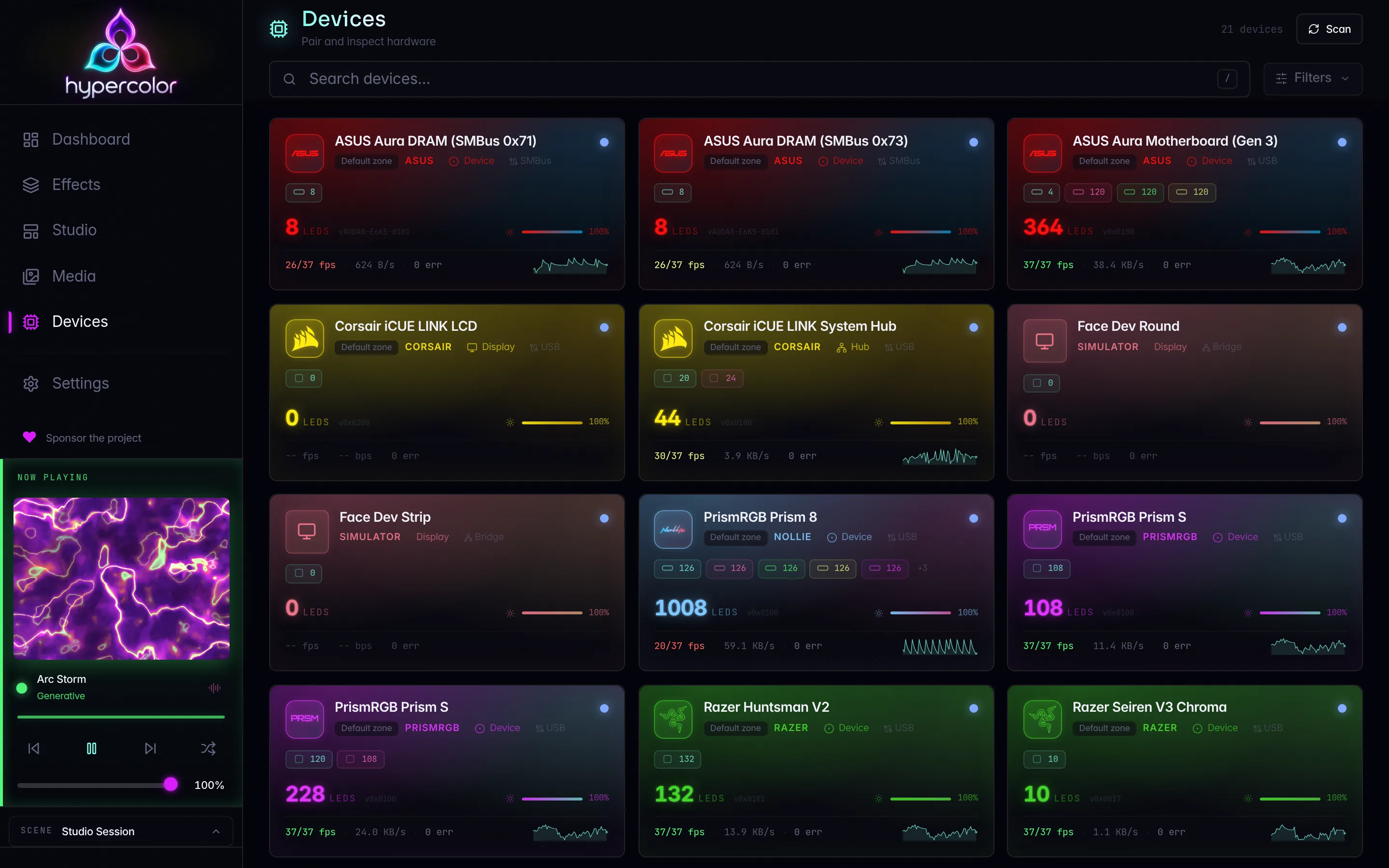
WLED controllers (ESP8266 / ESP32) are discovered automatically over mDNS and need no credentials or pairing step. Hypercolor streams pixel data in real time using DDP by default, a lightweight protocol with no universe management and no per-packet channel-count ceremony. E1.31/sACN is available as an alternative for xLights, Vixen, and other DMX workflows.
Both RGB and RGBW strip configurations are detected automatically from the device’s /json/info response.
#Prerequisites
- The WLED controller must be on the same Layer 2 network as the machine running the Hypercolor daemon, or mDNS traffic must be able to reach it.
- WLED’s realtime receiver must be enabled. In the WLED web UI go to Config → Sync Interfaces and confirm that Realtime is turned on.
- No authentication or pairing step is required.
#Discovery
#Automatic via mDNS
Hypercolor browses for _wled._tcp.local. services using a 5-second scan window. Each candidate is enriched via GET http://<ip>/json/info, which provides the display name, LED count, reported max FPS, firmware version, and RGBW flag. Devices that respond to HTTP enrichment connect automatically; devices found only via mDNS where HTTP enrichment fails are held in a deferred state until the next scan.
Fingerprinting uses the MAC address from /json/info (net:wled:<mac>) so a DHCP lease change does not break the device identity. When the device reports no MAC, the hostname is used as the key instead.
Trigger a scan from the CLI:
hypercolor devices discover --target wledOr via the REST API:
curl -X POST http://localhost:9420/api/v1/devices/discover \
  -H 'Content-Type: application/json' \
  -d '{"targets": ["wled"]}'
Only one scan can run at a time. A concurrent request returns HTTP 409.
#Known IPs (mDNS fallback)
If mDNS is blocked (VLANs, systemd-resolved stub conflicts, Docker bridge networks), add the controller’s IP directly in the driver settings. Hypercolor probes it over HTTP regardless of mDNS availability.
In the web UI open Settings → Discovery → WLED and add entries to the Known IPs list. The change triggers a discovery rescan automatically.
#Device identity across IP changes
Hypercolor fingerprints each WLED device on its MAC address extracted from /json/info. A DHCP lease change or static-IP reassignment does not break pairing as long as the MAC stays constant.
#Streaming protocols
#DDP (default)
DDP (Distributed Display Protocol) is the preferred transport. It uses a simple 10-byte header followed by raw pixel data: no universe management, no ACN boilerplate, no channel-count ceiling beyond the 1440-byte payload cap.
| Property | Value |
|---|---|
| Port | UDP 4048 |
| Payload cap | 1440 bytes (480 RGB pixels or 360 RGBW pixels) |
| RGB data type | 0x0B (DDP_TYPE_RGB24) |
| RGBW data type | 0x1B (DDP_TYPE_RGBW32) |
| Sequence range | 1-15 (wrapping) |
| Frame latch | Push flag on the final packet of each frame |
Large pixel counts are fragmented automatically into 1440-byte chunks. Each chunk in a frame shares the same sequence number; only the last chunk carries the push flag that tells WLED to latch the frame.
For RGBW strips in DDP mode, Hypercolor sends RGB24 payloads and lets WLED handle white-channel behavior locally. This preserves hue fidelity rather than splitting the white channel on the Hypercolor side.
#E1.31 / sACN
E1.31 is available for installations already using DMX software (xLights, Vixen, lighting consoles). Each E1.31 universe carries 512 DMX channels, giving 170 RGB pixels or 127 RGBW pixels per universe. Hypercolor uses a priority of 150 (above the sACN default of 100) and sends per-universe sequence numbers for receiver-side drop detection.
| Property | Value |
|---|---|
| Port | UDP 5568 |
| Pixels per universe (RGB) | 170 (510 channels) |
| Pixels per universe (RGBW) | 127 (508 channels) |
| Priority | 150 |
When using E1.31, configure WLED’s Sync Interfaces → DMX settings to match Hypercolor’s output: start universe, DMX mode multiple_rgb (mode 4) for RGB strips or multiple_rgbw (mode 6) for RGBW strips, and DMX start address 1. Hypercolor checks /json/cfg on connect and logs any mismatches at the warn level.
#Choosing a protocol
DDP is the right choice for almost every setup. Switch to E1.31 only if you are integrating WLED with a DMX lighting console or sequencer that already manages sACN universes.
To change the default protocol, open Settings → Discovery → WLED and set Default Streaming Protocol. You can override the protocol per device in the device detail panel under Output → Streaming Protocol. A per-device override takes effect on the next device reconnect.
#RGBW strips
WLED reports RGBW capability in its /json/info response. Hypercolor reads this flag during discovery and sets the device color format automatically. No manual configuration is needed. The RGBW flag appears as a read-only field in the device diagnostics panel.
For E1.31 with RGBW strips, Hypercolor applies direct RGBW encoding (four bytes per pixel: R, G, B, W). For DDP with RGBW strips, it sends RGB24 and defers the white-channel split to WLED’s firmware logic.
#Frame deduplication
Hypercolor suppresses redundant UDP frames when pixel data changes only slightly between renders. The default tolerance is 2 (per-channel absolute difference). A keepalive frame is always sent every 2 seconds regardless of dedup state, so WLED stays in realtime mode even during static scenes.
Adjust the tolerance in Settings → Discovery → WLED → Frame Dedup Tolerance, or set it to 0 to disable deduplication. Lower values reduce visible LED lag on fast transitions at the cost of slightly higher UDP bandwidth.
#Troubleshooting
#Device not discovered
- Confirm the WLED controller is on the same subnet as the Hypercolor daemon, or add its IP to Known IPs.
- Verify mDNS is not blocked at the router or by a host firewall rule.
- Check reachability directly:
curl http://<wled-ip>/json/infoshould return JSON with the device name and LED count. - Run with debug logging to see probe attempts:
RUST_LOG=hypercolor_driver_wled=debug just daemon#LEDs don’t respond after discovery
- In the WLED web UI, open Config → Sync Interfaces and confirm that Realtime is enabled and Realtime timeout is greater than 0.
- For E1.31: verify the DMX settings match the values shown in the Hypercolor device diagnostics panel. Any mismatch is logged at
warnlevel. - Confirm no firewall is blocking inbound UDP on port 4048 (DDP) or 5568 (E1.31) at the WLED device.
#Wrong colors or partial lighting
- If only part of the strip is lit, check that the LED count in the Hypercolor device panel matches the count in WLED (Config → LED Preferences → LED count).
- If colors look wrong on RGBW strips, verify the RGBW flag in the diagnostics panel reads
true. If it readsfalse, the WLED LED type may need reconfiguring (WLED: Config → LED Preferences → Color Order → select an RGBW type).
#WLED exits realtime mode unexpectedly
WLED has a built-in realtime timeout. If Hypercolor pauses sending (for example, during a scene switch), WLED reverts to its saved state after the timeout expires. The 2-second keepalive is designed to prevent this during normal operation. If the strip flashes its saved WLED effect mid-session, check for packet loss or a subnet routing change, or increase WLED’s realtime timeout setting.
#Related pages
- Network devices overview: how mDNS discovery, known-IP fallback, and manual pairing work across all network drivers.
- Finding devices: running discovery from the CLI and TUI.
- Troubleshooting: network discovery: mDNS, VLAN isolation, and firewall diagnosis.
- Device compatibility: the full supported-device matrix.