USB devices
Connect USB/HID/serial/MIDI devices on Linux, Windows, and macOS: udev rules for Linux, transport paths, access errors, and hotplug.
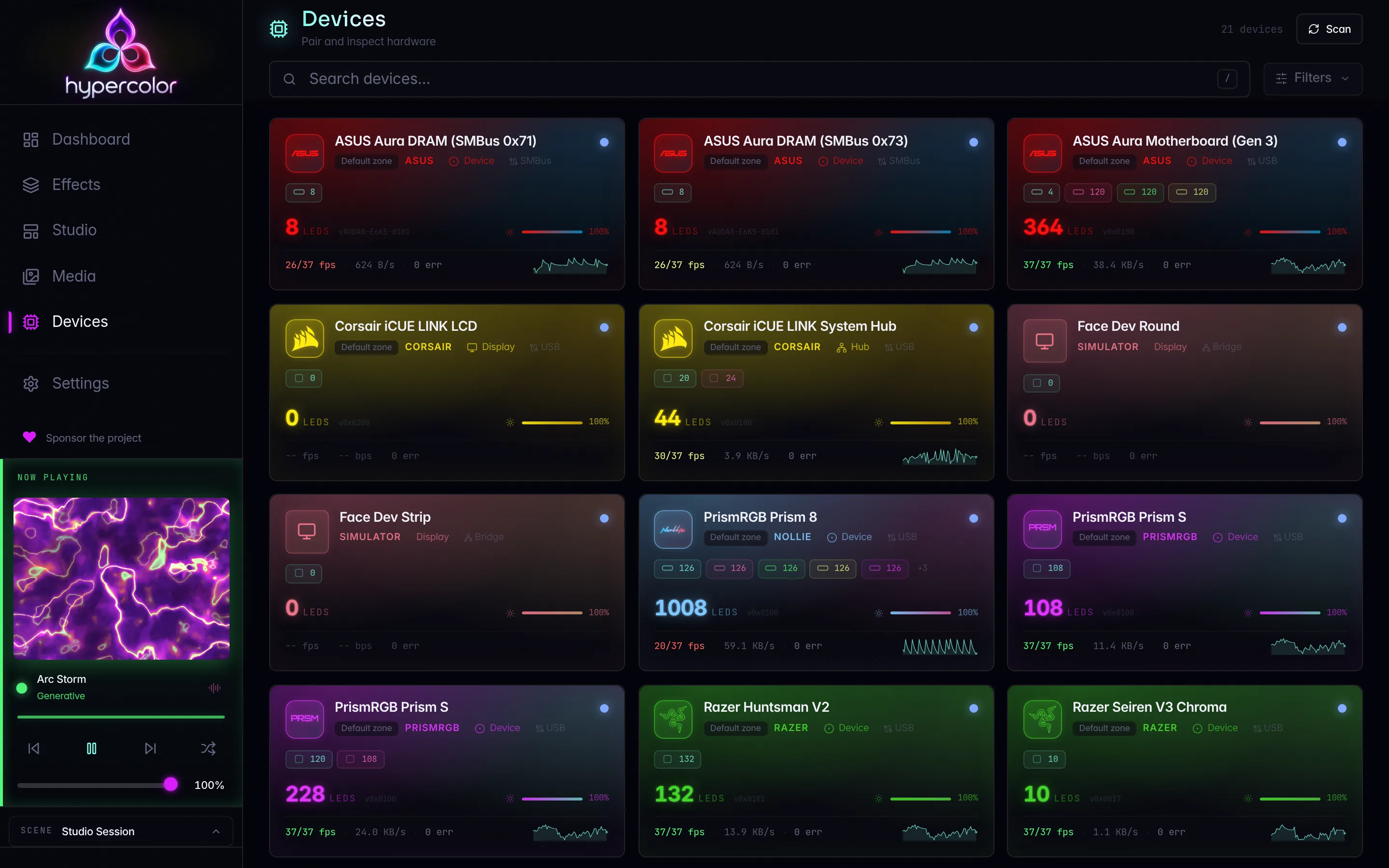
On Linux, USB-connected devices need a one-time permissions step (udev rules) before Hypercolor can talk to them. Without it the daemon finds the hardware but cannot open it, which looks like a silent no-op or a “device not found” error even though the device is physically present. Windows needs no per-device permission step, and macOS needs none for HID devices.
This page covers the setup, explains how Hypercolor reaches different device types, and walks through the most common failure modes.
#Install udev rules
Run once from the repo root (or from wherever Hypercolor was installed):
just udev-installThat recipe copies two rules files into /etc/udev/rules.d/: udev/99-hypercolor.rules for lighting device access and udev/70-hypercolor-input.rules for host keyboard and pointer capture. It then reloads the ruleset and triggers an add action for each relevant subsystem (hidraw, usb, tty, i2c-dev, input). It is equivalent to:
sudo cp udev/99-hypercolor.rules /etc/udev/rules.d/
sudo cp udev/70-hypercolor-input.rules /etc/udev/rules.d/
sudo udevadm control --reload-rules
sudo udevadm trigger --action=add --subsystem-match=hidraw
sudo udevadm trigger --action=add --subsystem-match=usb
sudo udevadm trigger --action=add --subsystem-match=tty
sudo udevadm trigger --action=add --subsystem-match=i2c-dev
sudo udevadm trigger --action=add --subsystem-match=input
Skipping the input rules file leaves lighting working while input-reactive effects silently see no keyboard or pointer activity.
AppImage and Flatpak installs do not apply udev rules automatically. You must run the copy commands manually after installing through either of those distribution methods.
#Replug or reboot after install
udevadm trigger replays the rule against devices that are already connected, but the logind ACL (TAG+="uaccess") can occasionally miss its replay for nodes that were opened before the rule was installed. If a device still fails after just udev-install, unplug it and plug it back in. A full reboot is the reliable fallback.
Device not found after udev install? Replug first. If Hypercolor still cannot open the device after running just udev-install, unplug it and replug it before investigating further. The ACL that logind sets on /dev/hidraw* and /dev/bus/usb/* is applied at plug-in time, not at rule-reload time. A replug forces a fresh assignment.
#How the rules work
The rules file grants access to the physically logged-in user via TAG+="uaccess". systemd-logind intercepts the udev event and sets a POSIX ACL on the device node so that your session user can open it without being in any special group. A MODE="0660" GROUP="users" fallback covers the rare case where ACL replay does not fire.
Two attributes matter for HID rules, and getting them backwards produces a rule that silently does nothing:
hidrawrules useATTRS{idVendor}(plural: walks up to the parent USB device node for the vendor/product match).usbrules useATTR{idVendor}(singular) together withENV{DEVTYPE}=="usb_device"to match the/dev/bus/usb/node directly.
The rules file also covers SUBSYSTEM=="tty" for serial devices (Dygma Focus-class keyboards, Nollie-class controllers) and SUBSYSTEM=="i2c-dev" for ASUS Aura motherboard and DRAM lighting over SMBus. See SMBus/I2C devices for that path.
#Which vendors get access
The file uses vendor-wide rules for brands where new product IDs should work without a rule update, and PID-scoped rules for vendors where that scope would be too broad.
| Vendor | VID | Scope |
|---|---|---|
| Razer | 1532 | Vendor-wide |
| Corsair | 1b1c | Vendor-wide |
| ASUS Aura | 0b05 | Vendor-wide |
| Lian Li | 0416, 0cf2 | Vendor-wide |
| Ableton | 2982 | Vendor-wide |
| Dygma | 35ef | Vendor-wide |
| Keychron (QMK) | 3434 | Vendor-wide |
| ZSA (QMK) | 3297 | Vendor-wide |
| Drop/OLKB (QMK) | feed | Vendor-wide |
| Glorious (QMK) | 320f | Vendor-wide |
| PrismRGB | 16d0 | Vendor-wide |
| PrismRGB / Nollie / GCS | 16d1, 16d2, 16d3, 16d5 | PID-scoped |
| Nollie Gen 2 | 3061 | Vendor-wide |
The mixed PrismRGB / Nollie / GCS VID ranges are scoped where those vendors share IDs with unrelated hardware. PrismRGB 16d0, Nollie Gen 2 3061, and Lian Li vendor IDs are granted vendor-wide in the udev rules.
#Transport types
Hypercolor’s HAL defines a TransportType for every device in crates/hypercolor-hal/src/registry.rs. The USB-attached variants are below; SMBus/I2C is covered on its own page. Understanding which one a device uses explains what the rules must cover and what can go wrong.
#UsbHidApi
The most common path for keyboards, mice, and combo input/lighting devices. Hypercolor talks through the OS HID stack via the hidapi library, which means the OS HID driver stays attached and the device remains fully usable as an input device while lighting commands are sent. hidapi selects a platform backend internally: on Linux the daemon opens a /dev/hidraw* node, while on Windows and macOS the native HID API handles the open.
The hidraw rules in 99-hypercolor.rules cover this path on Linux.
#UsbHidRaw
A lower-level Linux-only path that also targets /dev/hidraw* nodes, but goes through async-hid directly rather than through hidapi. The kernel usbhid driver stays attached here too. This is used for devices that need async feature-report or output-report I/O without the synchronous blocking model of hidapi.
The hidraw rules cover this path as well.
UsbHidApi vs UsbHidRaw: both paths leave the kernel HID stack intact. The difference is the Rust library used internally. From a permissions and user-setup standpoint they are identical: just udev-install handles both.
#UsbControl
Used by Razer laptop keyboards (Blade-class), which claim interface 2 directly. Razer peripherals use UsbHidApi instead. This path claims the USB interface directly via nusb and sends HID feature reports as USB Class control transfers. On Linux, the detach_and_claim_interface call detaches usbhid from the interface before claiming it, so the usb (not hidraw) rules in the file must be in place, and the device node is in /dev/bus/usb/. The detach step is Linux-specific; Windows and macOS claim the interface without it.
#UsbHid
HID interrupt IN/OUT endpoints with the interface claimed directly. Lian Li Uni Hub (ENE) controllers declare it outright. On Linux it is also what a Direct HID access intent resolves to, covering PrismRGB and the Corsair LINK, Lighting Node, and LCD families; on macOS and Windows those same devices resolve to UsbHidApi instead. Also uses nusb, also needs the usb rules.
#UsbVendor
Vendor-specific control-transfer transport. Claims the USB interface and drives the device through vendor control transfers rather than HID reports. Used by the Lian Li Uni Hub controllers. Needs the usb rules.
#UsbBulk
USB bulk-transfer transport with a HID feature-report sideband for initialization and keepalive commands, reserved for bulk display-class devices. Claims the USB interface, so it needs the usb rules.
#UsbMidi
Composite transport: MIDI for control commands plus USB bulk for display frames. Used by Ableton Push 2-class devices. Needs the usb rules and must not have another application (a DAW, for example) holding the MIDI port open at the same time.
#UsbSerial / CDC-ACM
Used by Focus-class serial devices (Dygma keyboards, some Nollie controllers). The device enumerates as a virtual serial port under /dev/ttyACM* or /dev/ttyUSB*. The tty rules in the file cover this path.
The baud rate for each device is set by its driver definition (115200 for the Focus-class controllers) and is applied automatically. You do not need to configure it manually.
#Platform notes
Only the UsbHidRaw transport (async-hid over /dev/hidraw*) is Linux-exclusive, and SMBus is Linux and Windows only. The remaining transports (bulk, control, hid, hidapi, midi, serial, vendor) are cross-platform: hidapi selects a platform backend internally, and the nusb-based transports speak to the OS USB stack directly. SMBus on Windows goes through the optional PawnIO helper; see SMBus/I2C devices. macOS has no SMBus path.
The udev rules above are a Linux-only prerequisite. Windows needs no per-device permission step, and macOS needs none for HID devices.
#Verify access
After installing rules and replugging, confirm the daemon can see and open the device:
# List connected devices
hypercolor devices list

# Run a fresh discovery scan
hypercolor devices discover

# Check daemon logs for transport open/close events
RUST_LOG=hypercolor_hal=debug hypercolor-daemon
If a device appears in devices list but shows an error state, check the daemon log for a TransportError::PermissionDenied message. That means the udev rule matched the device node but the ACL was not applied; replug the device.
If the device does not appear at all, add RUST_LOG=hypercolor_hal=debug and look for the NotFound detail, which includes all candidate nodes that were considered and why they were filtered out.
#Hotplug
Hypercolor supports hotplug: devices plugged in after the daemon starts are discovered automatically. The daemon runs a background USB hotplug watcher that fires arrival and removal events as devices appear and disappear, so a newly connected supported device is enumerated without restarting the daemon.
If a hotplugged device is not picked up within a few seconds, trigger a manual discovery scan:
hypercolor devices discoverOr via the REST API:
curl -s -X POST http://localhost:9420/api/v1/devices/discoverOnly one discovery scan can run at a time. A concurrent request returns HTTP 409 while a scan is in progress.
#Troubleshooting
#Device not found after udev install
This is the most common setup issue across every Linux RGB tool. Work through these steps in order:
- Confirm the rule file is in place:
ls -l /etc/udev/rules.d/99-hypercolor.rules - Replug the device: the ACL is assigned at plug-in time, not at rule-reload time
- Check that the rule matched:
udevadm test /sys/class/hidraw/hidraw0 2>&1 | grep -E 'TAG|MODE|GROUP' - Confirm the device VID is in the table above. If it is PID-scoped and your PID is not listed, open an issue with the VID:PID from
lsusb - If another RGB tool has the device open (openrazer daemon, OpenRGB, Aura Sync), stop it first; Hypercolor cannot claim an interface that another app holds
Permission denied on a hidraw node
Run ls -la /dev/hidraw* and check that the ACL is set. If it shows only crw-rw----, logind has not assigned the ACL yet; replug or check that systemd-logind is running and that your session is recognized as active (loginctl session-status).
Serial device not accessible
Check /dev/ttyACM* and /dev/ttyUSB*. The tty rules use ATTRS{idVendor} (walk-up) just like the hidraw rules. If your user is not in the users group and logind ACL replay missed, add your user to users and log out/in:
sudo usermod -aG users $USERAnother app is holding the device open
Transports that claim the USB interface (UsbControl, UsbHid, UsbVendor, UsbBulk, UsbMidi) are exclusive. If another application (iCUE, Razer Synapse, an ALSA sequencer, or another RGB controller) has the interface open, Hypercolor’s claim will fail. Stop the conflicting software first. See conflicting software for per-vendor details.
MIDI port already in use (Push 2)
The UsbMidi transport connects to the Push 2 User MIDI port. If Ableton Live or another host has that port open, Hypercolor cannot connect. Close the DAW or remove the Push 2 from its MIDI device list.
Push 2 stops responding until it is power-cycled
MIDI output to the Push 2 can stall while the device stays plugged in and enumerated. On Linux the daemon then logs Push 2 MIDI output stalled, repeats Push 2 MIDI output is still stalled on each reconnect attempt, and the kernel log shows rawmidi drain error for the Push 2’s MIDI device. Restarting the daemon does not clear it. Unplug the Push 2’s USB cable and its power supply, wait a few seconds, and plug both back in; Hypercolor reconnects on its own.
If it keeps happening, open an issue with the daemon’s Push 2 identified and Push 2 reported its power source and uptime lines and the kernel log from the minutes before the first warning.
#Related pages
- SMBus/I2C devices: ASUS Aura motherboard, GPU, and DRAM lighting
- Compatibility matrix: supported devices by family and transport
- Device quirks: per-device notes and known limitations
- Conflicting software: Synapse, iCUE, OpenRGB, and others
- Troubleshooting: devices not found: deeper diagnosis