Raw HTML / LightScript
The LightScript-compatible single-file HTML effect format: meta tags, controls, presets, and the daemon's validation rules.
Hypercolor’s HTML effect format is a straight superset of LightScript’s. A self-contained HTML file with one render surface, one script tag, and a few meta tags drops straight into the daemon with zero tooling. The same parser that powers the SDK reads this format, the daemon loads it without any build step, and every LightScript effect you have ever seen runs as-is.
This is the lowest-level authoring path. You give up typed controls, palette sampling, the structured AudioData surface, and most of the SDK’s authoring ergonomics. Reach for it when porting an existing LightScript effect, for one-file oddities, and for effects that must travel without a workspace. For greenfield work, TypeScript effects are almost always the better call.
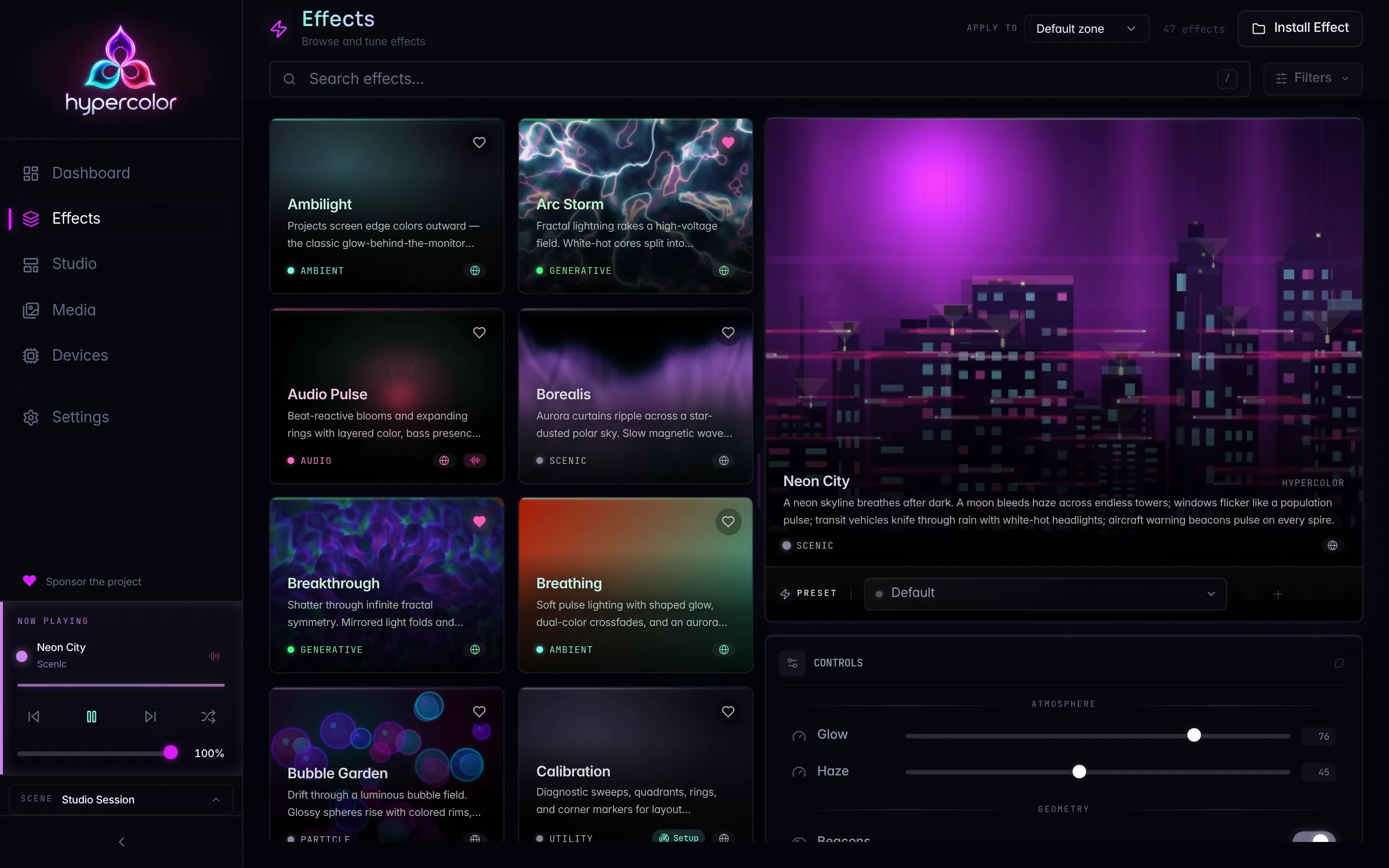
Catalog, not counts. Hypercolor ships 11 native built-in effects plus a large library of SDK-authored HTML effects. The catalog grows, so browse the live registry with hypercolor effects list or the web UI rather than trusting any fixed number.
#The minimum viable effect
<!DOCTYPE html>
<html lang="en">
  <head>
    <meta charset="UTF-8" />
    <meta name="hypercolor-version" content="1" />
    <title>Drifting Gradient</title>
    <meta description="A slow two-stop gradient sweep." />
    <meta publisher="You" />
  </head>
  <body style="margin:0;overflow:hidden;background:#000;">
    <div
      id="exStage"
      style="position:relative;overflow:hidden;background:#000;width:100vw;height:100vh;"
    >
      <canvas id="exCanvas" style="display:block;width:100%;height:100%;"></canvas>
    </div>
    <script>
      const canvas = document.getElementById("exCanvas");
      const ctx = canvas.getContext("2d");

      function resize() {
        canvas.width = window.innerWidth;
        canvas.height = window.innerHeight;
      }

      function frame(time) {
        const t = time * 0.001;
        const hue = (t * 40) % 360;
        const gradient = ctx.createLinearGradient(0, 0, canvas.width, canvas.height);
        gradient.addColorStop(0, `hsl(${hue}, 100%, 55%)`);
        gradient.addColorStop(1, `hsl(${(hue + 70) % 360}, 100%, 35%)`);
        ctx.fillStyle = gradient;
        ctx.fillRect(0, 0, canvas.width, canvas.height);

        requestAnimationFrame(frame);
      }

      resize();
      window.addEventListener("resize", resize);
      requestAnimationFrame(frame);
    </script>
  </body>
</html>
That is a complete, installable effect. Scaffold a workspace with --template html and you get exactly this shape.
#What the daemon requires
The daemon extracts effect metadata from HTML when it loads an artifact, and the SDK validator enforces the same model before install. The validator splits its findings into hard errors (the file will not pass) and warnings (it loads, but something is off).
Three things are hard requirements:
- A render surface. For canvas effects that is
<canvas id="exCanvas">. For display-face effects it is<div id="faceContainer">. The id is the literal hook the parser looks for, so the spelling matters. Missing it raisesMISSING_RENDER_SURFACE. - A
<title>. The title becomes the catalog display name. Missing it raisesMISSING_TITLE. - At least one
<script>tag. The daemon loads the HTML and runs the script in a Servo rendering context; with no script there is nothing to animate. Missing it raisesMISSING_SCRIPT.
The <meta name="hypercolor-version" content="1"> tag is strongly recommended but not a hard error. Omit it and the validator emits a MISSING_VERSION warning rather than failing the file. Keep it in every effect anyway: it pins the wire format and identifies the file as a Hypercolor effect for future format migrations.
#Metadata meta tags
The parser reads these from anywhere in the document, though <head> is the convention:
| Tag | Purpose |
|---|---|
<meta name="hypercolor-version" content="1" /> | Recommended. Pins the format version. |
<title>Effect Name</title> | Required. Display name in the catalog. |
<meta description="..." /> | One-line description. Also accepts <meta name="description" content="...">. |
<meta publisher="..." /> | Author or publisher. Also accepts <meta name="author" content="...">. |
<meta audio-reactive="true" /> | Marks the effect audio-reactive so the daemon wires up the audio pipeline. |
<meta screen-reactive="true" /> | Marks the effect screen-capture reactive. |
<meta input-reactive="true" /> | Marks the effect keyboard and mouse reactive so the daemon routes host input. |
<meta category="Ambient" /> | Optional catalog category. Overrides the heuristic categorizer. |
<meta renderer="webgl" /> | Hint that the effect renders with WebGL (webgl / webgl2) rather than Canvas2D (2d / canvas / canvas2d). |
<meta data-sources="media,net,lighting" /> | Declares the structured data sources the effect opts into. |
Attribute order does not matter, and quoting can be single or double. The parser is deliberately lenient: it has no full DOM dependency, it strips HTML comments before scanning (so a commented-out <meta> is ignored), and it tolerates the loose name/content form alongside the bare-attribute form.
Audio reactivity is opt-in by an explicit audio-reactive="true" tag. The parser does not infer it from engine.audio references in your script, because the bundled SDK runtime always carries audio scaffolding. If your lights are not reacting to sound, the missing meta tag is the usual culprit.
#Controls as meta tags
Controls are declared with <meta property="..."> tags. Each property becomes a UI control the daemon exposes, and the script reads its live value at runtime.
<meta property="speed" label="Speed" type="number" min="1" max="10" default="5" group="Motion" />
<meta property="palette" label="Palette" type="combobox" values="Aurora,Fire,Ocean" default="Aurora" group="Color" />
<meta property="tint" label="Tint" type="color" default="#80ffea" group="Color" />
<meta property="trails" label="Trails" type="boolean" default="true" group="Motion" />
The attribute schema:
| Attribute | Used by | Description |
|---|---|---|
property | required | The runtime variable name the script reads. |
label | optional | Human-readable label in the UI. Defaults to property. |
type | optional | Defaults to number when absent. See the type table below. |
min / max | number, hue | Slider bounds. The validator flags min >= max. |
step | number | Slider increment. |
default | all | Starting value. |
values | combobox | Comma-separated options. A combobox with no values is a hard error. |
group | optional | UI grouping label. |
tooltip | optional | Hover tooltip. |
aspectLock | rect | Locks aspect ratio on the viewport picker. |
preview | rect | screen, web, or canvas viewport preview mode. |
The recognized type values are number, boolean, color, combobox (alias dropdown), hue, area, text (aliases textfield, input), sensor, rect, and asset. Anything else passes through as an unknown type and the validator raises INVALID_CONTROL_TYPE.
A stock LightScript-style effect reads control values from the global scope, with a fallback so it behaves before the host has injected values:
<script>
  const speed = window.speed ?? 5;
  const palette = window.palette ?? "Aurora";
  const tint = window.tint ?? "#80ffea";
  const trails = window.trails ?? true;
</script>#Presets as meta tags
Presets are named control snapshots. Each preset is a single meta tag whose preset-controls attribute holds a JSON object:
<meta
  preset="Default"
  preset-description="Balanced settings"
  preset-controls='{"speed":5,"palette":"Aurora","tint":"#80ffea","trails":true}'
/>
<meta
  preset="Slow Burn"
  preset-description="Minimal motion for ambient sets"
  preset-controls='{"speed":1,"palette":"Ember","tint":"#ff6a3d","trails":false}'
/>
Use single quotes around the attribute so the inner JSON can use double quotes. If the JSON fails to parse, the daemon falls back to an empty control map and the validator raises INVALID_PRESET_JSON. Presets that reference a control you never declared produce an UNKNOWN_PRESET_CONTROL warning, and combobox values outside the declared options produce INVALID_PRESET_COMBOBOX_VALUE.
#Audio access in raw HTML
Effects that declare audio-reactive="true" get a runtime audio surface injected into the page. The shape is a subset of the structured TypeScript AudioData interface:
const audio = window.engine?.audio;
if (audio) {
  const level = audio.levelLinear; // 0-1 RMS
  const levelDb = audio.levelDb;   // -100 to 0 dB
  const bass = audio.bass;       // 0-1
  const beat = audio.beat;       // 0 or 1 this frame
  const beatPulse = audio.beatPulse;
  const freq = audio.frequency;  // frequency bins
}
This pull model works, but it is less ergonomic than the SDK’s typed audio() accessor, and the injected object can lag the full TypeScript surface. For serious audio-reactive work, scaffold a TypeScript workspace and read the full Audio API.
#Designing for hardware
Every rule from Color science for LEDs applies identically here. The raw HTML path makes it tempting to fillRect the whole canvas with a near-white gradient and call it done, which is the wrong call on LEDs. Keep at least one RGB channel near zero for any vivid color, hold saturation high when you want a color to read as a color, and leave a dark floor so idle states do not wash out the room. Spatial coordinates are normalized, so your effect stays resolution-independent across every layout.
#GLSL and WebGL
There is no runnable native GPU shader lane today. The engine’s EffectSource::Shader path bails by design, and requesting GPU effect-renderer acceleration returns an error until that lane lands. GLSL still runs: declare <meta renderer="webgl" /> and use a WebGL2 context, which Servo executes inside the same HTML page. Treat compiled wgpu shaders as future work, not a current authoring target.
#Validating raw HTML
The SDK validator runs against a standalone file from any workspace that depends on the local hypercolor package:
bunx hypercolor validate ./my-effect.html
bunx hypercolor validate ./my-effect.html --strict   # treat warnings as failures
bunx hypercolor validate ./my-effect.html --json      # machine-readable output
It checks the render surface, title, and script (hard errors), then reports warnings for a missing version tag, missing description or publisher, out-of-range control defaults, and external script or link tags that would break self-containment. Keep everything inline; a reference to an outside CDN raises EXTERNAL_ASSET_REFERENCE.
The bunx hypercolor commands run inside a scaffolded workspace, resolving the SDK from npm by default (or a local file: override); see Setup & workspace for the install story.
#Installing raw HTML
The install flow matches the TypeScript path:
bunx hypercolor install ./my-effect.html             # copy into the user effects dir
bunx hypercolor install ./my-effect.html --daemon    # POST to a running daemon
You can also drop the file directly into the user effects directory and trigger a rescan:
cp my-effect.html ~/.local/share/hypercolor/effects/user/
hypercolor effects rescan
The daemon also picks up new files on startup. For the full authoring loop, see Dev workflow.
#When to reach for this path
- Porting an existing LightScript effect. Paste it in, add a
<title>and thehypercolor-versionmeta tag, done. - A one-off visual you will not iterate on and do not want to carry a workspace for.
- Constrained environments where the TypeScript toolchain is not available.
- Testing the daemon’s HTML loader or validator in isolation.
For everything else, TypeScript effects pay for themselves in the first iteration. If you want the real compiled-in Rust path instead, the native built-in effects live in crates/hypercolor-core/src/effect/builtin/ and register through that module’s mod.rs.