Native Rust effects
Author a compiled-in EffectRenderer: the trait lifecycle, FrameInput, the Canvas API, control dispatch, registration, and tests.
A native effect is a Rust renderer compiled directly into the engine. It produces a Canvas frame entirely on the CPU, with no web engine, no shader compiler, and no SDK build step. These are the always-available utility effects that the daemon ships with: solid fills, gradients, rainbow sweeps, breathing, audio pulse, traveling waves, screen casting, and calibration patterns.
You reach for this path when an effect needs to be fast, dependency-free, and present even before any HTML effect loads. Most creative work belongs in the TypeScript SDK or as a GLSL shader. Native effects are the floor everything else stands on.
“Native” means compiled-in Rust, not GPU shader. EffectSource::Native dispatches only to CPU canvas renderers. There is no runnable wgpu/WGSL effect lane today: EffectSource::Shader bails with “shader effect is not runnable yet”, and requesting gpu effect-renderer acceleration errors outright while auto falls back to CPU. GLSL effects authored through the SDK run as WebGL2 inside Servo, not as native Rust. Treat the GPU effect path as future work.
#Where native effects live
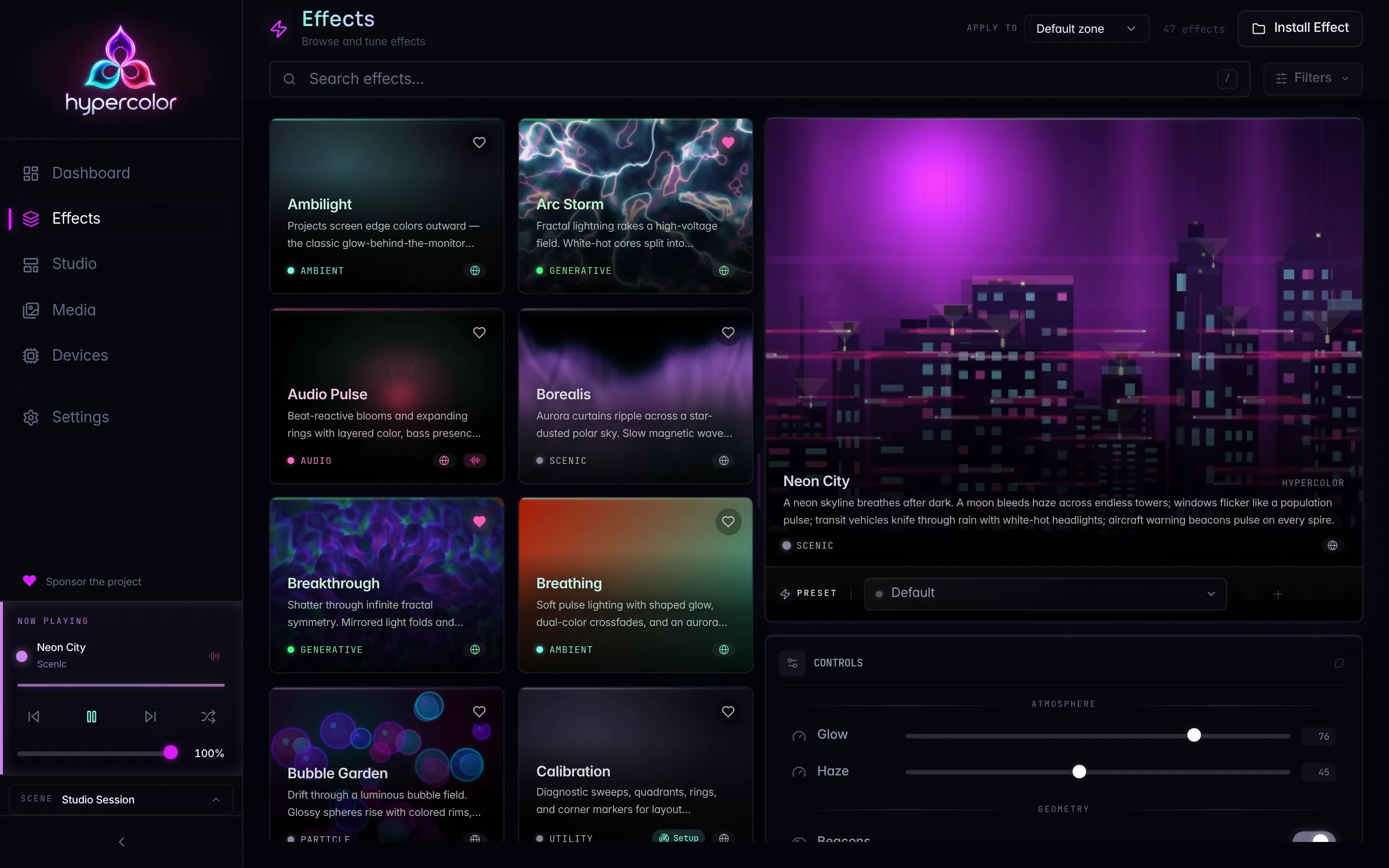
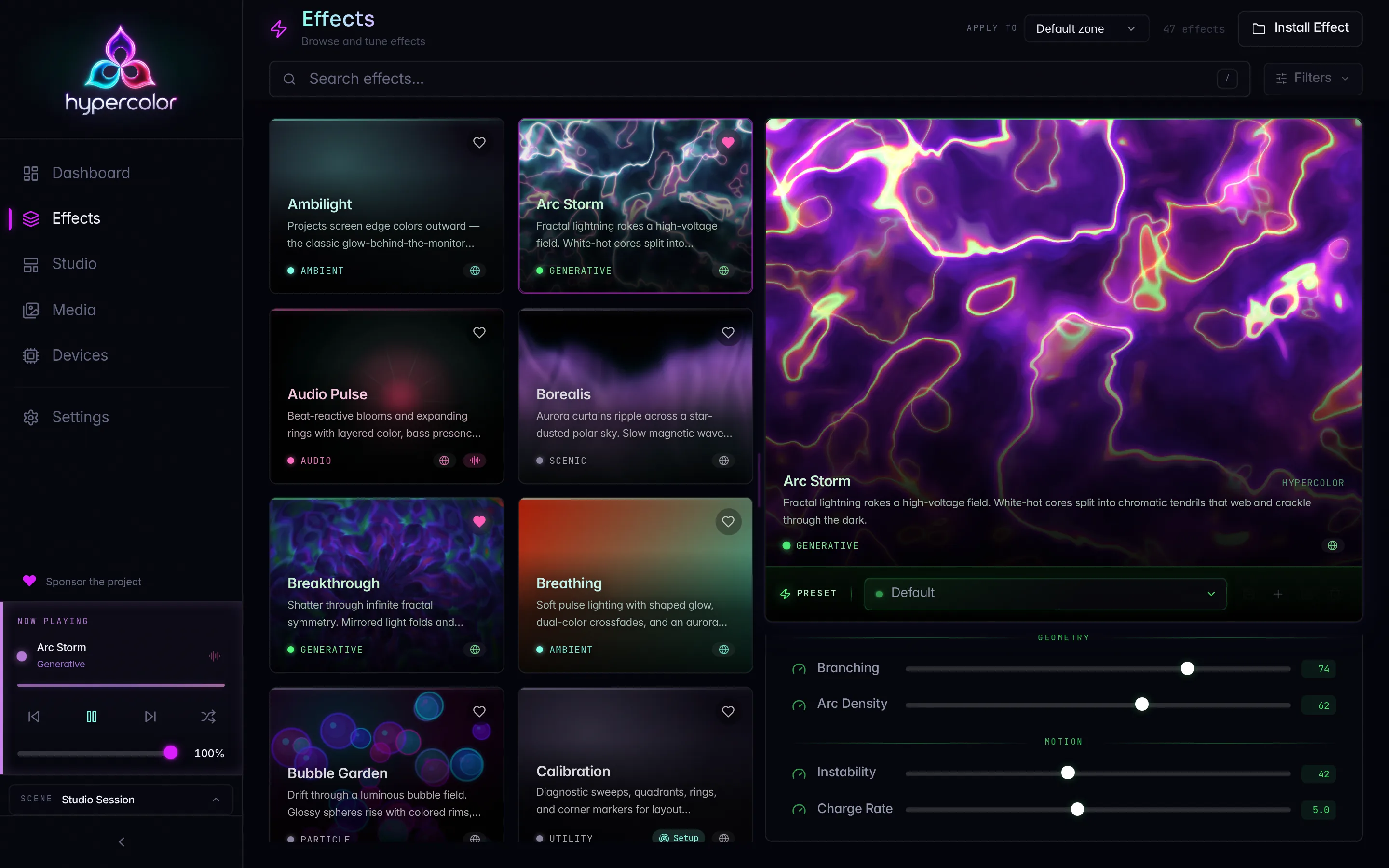
Every built-in renderer lives in its own module under crates/hypercolor-core/src/effect/builtin/. There are eleven built-ins today (one, web_viewport, is gated behind the servo feature). For the full, current catalog, browse the registry through hypercolor effects list or the REST effects endpoint rather than trusting a pinned number here.
crates/hypercolor-core/src/effect/builtin/
  mod.rs            # registration: metadata table + renderer factory
  common.rs         # shared control/preset constructors, stable-id hashing
  solid_color.rs    # Ambient   - solid, split, and checker diagnostics
  gradient.rs       # Ambient   - Oklch gradient blending
  rainbow.rs        # Ambient   - cycling hue sweep
  breathing.rs      # Ambient   - sinusoidal brightness pulse
  audio_pulse.rs    # Audio     - RMS + beat-reactive modulation
  color_wave.rs     # Ambient   - traveling wavefront bands
  color_zones.rs    # Ambient   - multi-zone color grid
  screen_cast.rs    # Utility   - live screen crop
  media_player.rs   # Source    - user media asset playback
  calibration.rs    # Utility   - high-contrast layout patterns
  web_viewport.rs   # (servo)   - embedded web page surface
Each module owns its renderer struct, its EffectRenderer impl, its controls() / presets() helpers, and a metadata() constructor that builds the registry entry.
#The EffectRenderer trait
EffectRenderer (in crates/hypercolor-core/src/effect/traits.rs) is the single interface every rendering backend implements, native and Servo alike. Two methods are mandatory; the rest have working defaults.
pub trait EffectRenderer: Send {
    fn init(&mut self, metadata: &EffectMetadata) -> anyhow::Result<()>;
    fn render_into(&mut self, input: &FrameInput<'_>, target: &mut Canvas)
        -> anyhow::Result<()>;
    fn apply_controls(&mut self, batch: &ControlDeltaBatch<'_>)
        -> anyhow::Result<()>;
    fn destroy(&mut self);
    // defaulted: init_with_canvas_size, render_output, advance_output,
    // initialize_controls, bind_asset_library, set_display_descriptor,
    // preview_canvas
}
The trait is Send but not Sync. The daemon wraps active renderers in a Mutex, never an RwLock, because Servo’s renderer is single-threaded by design and the trait object has to stay safe to move across threads without shared concurrent access. Your native renderer inherits that contract; do not assume concurrent render_into calls.
#Lifecycle
The engine drives a renderer through a fixed sequence:
graph LR
  A[init] --> B[render_into per frame]
  B --> B
  B --> C[apply_controls between frames]
  C --> B
  B --> D[destroy]
initruns once when the effect activates. Compile, allocate, and read whatever you need fromEffectMetadata. Return an error and the engine transitions the effect to a failed state.render_intoruns once per render-loop tick while the effect is running. It writes pixels into a caller-ownedCanvas.apply_controlsreceives an ordered atomic batch between frames when authored or resolved values change. Store the derived values and apply them on the nextrender_into.destroyruns on deactivation. Release anythinginitacquired.
render_into is the CPU canvas contract. The engine owns and reuses the target, so renderers resize it with prepare_target_canvas and write into the supplied storage instead of allocating a fresh canvas per frame.
#FrameInput
Every render_into call receives a FrameInput carrying all per-frame data. The full surface, verified against traits.rs:
pub struct FrameInput<'a> {
    pub time_secs: f64,            // seconds since the effect activated
    pub delta_secs: f32,          // seconds since the previous frame
    pub frame_number: u64,        // monotonic counter, starts at 0
    pub audio: &'a AudioData,     // always present; silence() when no source
    pub interaction: &'a InteractionData,
    pub screen: Option<&'a Arc<ScreenBranchPublication>>,  // ref-counted; CPU renderers read the CPU surface and zone payloads
    pub sensors: &'a SystemSnapshot,
    pub sources: FrameDataSources<'a>,  // media / net / lighting for faces
    pub canvas_width: u32,
    pub canvas_height: u32,
}
Always drive animation off time_secs or accumulated delta_secs, never frame_number. The render loop runs an adaptive FPS controller that shifts between five tiers (10/20/30/45/60). A frame counter ties your motion to the current tier and stutters when it shifts; elapsed time stays correct at every tier.
audio is never None. When no audio source is active the engine passes AudioData::silence(), a zero-filled snapshot, so you can read input.audio.rms_level unconditionally without a guard.
The canvas dimensions come from canvas_width and canvas_height, which flow from the daemon’s configured canvas size (640×480 by default, configurable). Never hardcode dimensions. Spatial coordinates downstream are normalized to [0.0, 1.0], so an effect that respects the supplied size stays resolution-independent across rigs.
#The Canvas API
Canvas (in crates/hypercolor-types/src/canvas.rs) is an Rgba u8 buffer in sRGB gamma space. Before you write, call prepare_target_canvas so the target matches the requested frame size:
use hypercolor_types::canvas::{Canvas, LinearRgba};
use crate::effect::traits::{FrameInput, prepare_target_canvas};

fn render_into(&mut self, input: &FrameInput<'_>, canvas: &mut Canvas)
    -> anyhow::Result<()> {
    prepare_target_canvas(canvas, input.canvas_width, input.canvas_height);

    let pixel = LinearRgba::new(0.8, 0.2, 1.0, 1.0).to_encoded();
    canvas.fill(pixel);
    Ok(())
}
Core methods: Canvas::new, fill, set_pixel, get_pixel (out-of-bounds reads return Rgba::BLACK), pixels(), clear(), width() / height(), and sample / sample_nearest / sample_bilinear for normalized [0,1] lookups.
Color controls arrive as ControlValue::ColorLinear(LinearRgba) in linear RGBA (0.0-1.0), not sRGB. The UI picker is sRGB; the API converts to linear before it reaches your renderer. Do your math in linear space with LinearRgba, then call to_encoded() to land sRGB u8 for the canvas. Blending or scaling in sRGB produces muddy, perceptually wrong color. There is no scale_rgb helper; multiply the LinearRgba fields directly.
#Color types
The canvas vocabulary covers the spaces an effect needs:
| Type | Space | Use for |
|---|---|---|
Rgba / Rgb | sRGB u8 | canvas output, final pixels |
LinearRgba | linear f32 | per-pixel math, blending, scaling |
Oklab | perceptual | uniform two-color gradients |
Oklch | perceptual | palette generation, hue rotation |
Transfer functions are real and named: srgb_to_linear, linear_to_srgb, srgb_u8_to_linear, linear_to_srgb_u8, plus LinearRgba::to_oklab, LinearRgba::to_oklch, and Oklch::from_oklab going in, with Oklab::to_linear and Oklch::to_linear for the return trip. The full reasoning behind gamut, hue tiers, and gamma lives in Color science for LEDs.
#Reading audio
Native effects see the Rust AudioData struct in snake_case. This differs from the TypeScript SDK surface (camelCase, and several names diverge), so do not copy field names across the boundary. The native fields you reach for most:
| Field | Type | Meaning |
|---|---|---|
rms_level | f32 | overall loudness, 0-1 |
peak_level | f32 | short-window peak |
beat_detected | bool | beat on this frame |
beat_pulse | f32 | decaying envelope after a beat |
beat_confidence | f32 | how rhythmic the signal is |
bpm | f32 | estimated tempo |
spectrum | Vec<f32> | 200 frequency bins (SPECTRUM_BINS) |
mel_bands | Vec<f32> | 24 perceptual bands (MEL_BANDS) |
chromagram | Vec<f32> | 12 pitch-class bins, C..B (CHROMA_BINS) |
Never map the boolean beat_detected straight to brightness; that produces a harsh strobe. Use beat_pulse, the decaying envelope, and steer beat energy into motion rather than raw brightness. On non-rhythmic material, gate the response by beat_confidence so quiet passages stay calm. The full per-frame audio surface, native and SDK side by side, is in the Audio API.
A minimal audio-reactive render reads loudness and modulates output:
fn render_into(&mut self, input: &FrameInput<'_>, canvas: &mut Canvas)
    -> anyhow::Result<()> {
    prepare_target_canvas(canvas, input.canvas_width, input.canvas_height);

    let energy = (input.audio.rms_level * self.sensitivity).clamp(0.0, 1.0);
    let glow = self.beat + input.audio.beat_pulse;

    let pixel = LinearRgba::new(
        self.color[0] * energy,
        self.color[1] * energy,
        self.color[2] * glow.min(1.0),
        1.0,
    )
    .to_encoded();
    canvas.fill(pixel);
    Ok(())
}
#Handling controls
Controls reach the renderer through apply_controls. Each batch carries the authoritative set revision, a resolution sequence, and ordered changes that have already passed canonical and effect-definition validation. The breathing renderer is a clean template:
fn apply_controls(&mut self, batch: &ControlDeltaBatch<'_>) -> anyhow::Result<()> {
    for (control_id, value) in batch.changes {
        match control_id.as_str() {
            "color" => {
                if let ControlValue::ColorLinear(color) = value {
                    self.color = [color.r, color.g, color.b, color.a];
                }
            }
            "speed" => {
                if let Some(value) = value.as_effect_f32() {
                    self.speed_bpm = value.max(0.1);
                }
            }
            "min_brightness" => {
                if let Some(value) = value.as_effect_f32() {
                    self.min_brightness = value.clamp(0.0, 1.0);
                }
            }
            _ => {}
        }
    }
    Ok(())
}
Effect controls use the effect-capable members of the canonical ControlValue algebra: Bool, Int, Float, Text, ColorLinear, Gradient, Rect, and Enum. The helper as_effect_f32() performs the checked f64 to f32 projection used by renderers. Keep only renderer-derived state here; the owning ControlSet remains authoritative.
You declare the controls in a controls() function using the shared constructors in common.rs, so the registry, the UI, and the API all see the same schema:
fn controls() -> Vec<ControlDefinition> {
    vec![
        color_control("color", "Color", [1.0, 0.6, 0.2, 1.0], "Colors",
            "Base color that breathes in and out."),
        slider_control("speed", "Speed", 15.0, 1.0, 120.0, 1.0, "Motion",
            "Breathing rate in beats per minute."),
    ]
}
common.rs ships color_control, slider_control, toggle_control, dropdown_control, asset_control, text_control, and rect_control. Use them rather than hand-building ControlDefinition so every field (group, tooltip, step) stays consistent.
#Registration
A new native effect becomes visible to the engine through crates/hypercolor-core/src/effect/builtin/mod.rs. Three touch points, all in that one file plus your module:
Module declaration and re-export at the top of
mod.rs:mod my_effect; pub use self::my_effect::MyEffectRenderer;Metadata entry in
builtin_metadata()so the registry advertises it:fn builtin_metadata() -> Vec<EffectMetadata> { vec![ // ...existing entries... my_effect::metadata(), ] }Factory arm in
create_builtin_renderer()so the engine can instantiate it. The match key is the file stem of the effect’sEffectSource::Native { path }:pub fn create_builtin_renderer(name: &str) -> Option<Box<dyn EffectRenderer>> { match name { // ...existing arms... "my_effect" => Some(Box::new(MyEffectRenderer::new())), _ => None, } }
The factory dispatch closes the loop. When an effect with EffectSource::Native { path } is activated, the engine takes the path’s file stem (source_stem()) and looks it up in create_builtin_renderer. Match the stem in your metadata() source path to the match arm exactly:
pub(super) fn metadata() -> EffectMetadata {
    EffectMetadata {
        id: builtin_effect_id("my_effect"),
        name: "My Effect".into(),
        author: "Hypercolor".into(),
        version: "0.1.0".into(),
        description: "What it does in one line".into(),
        category: EffectCategory::Ambient,
        tags: vec!["calm".into()],
        controls: controls(),
        presets: presets(),
        audio_reactive: false,
        screen_reactive: false,
        input_reactive: false,
        source: EffectSource::Native {
            path: PathBuf::from("builtin/my_effect"),
        },
        license: Some("Apache-2.0".into()),
    }
}
The effect’s stable ID comes from builtin_effect_id("my_effect"), a deterministic hash of the stem. Saved scene references resolve through that ID, so it must stay stable across daemon restarts. Never swap to a random UUID for a built-in, and never rename the stem without understanding that it orphans saved references.
EffectCategory variants are Ambient, Audio, Generative, Particle, Scenic, Interactive, Fun, Source, Utility, and Display (full-fidelity HTML faces for LCD surfaces). Pick the one that matches how a user would browse for the effect. Set audio_reactive: true when the renderer reads input.audio, so the UI and the engine know to surface and feed the audio pipeline.
#Testing
Native-effect tests live in crates/hypercolor-core/tests/builtin_effect_tests.rs, following the project convention that tests sit in tests/, never inline #[cfg(test)] blocks. The pattern builds a FrameInput against a small canvas and asserts the renderer produces a non-trivial frame.
use hypercolor_types::audio::AudioData;
use hypercolor_types::canvas::Canvas;

let mut renderer = MyEffectRenderer::new();
renderer.init(&make_metadata("my_effect")).expect("init");

let silence = AudioData::silence();
let input = frame_with_audio(0.0, &silence);
let mut canvas = Canvas::new(32, 16);
renderer.render_into(&input, &mut canvas).expect("render");

assert_eq!(canvas.width(), 32);
The test harness provides helpers (frame, frame_with_size, frame_with_audio, frame_with_screen) that construct a full FrameInput with silence, default interaction, and empty sensors. Cover at least init, a render at default controls, a render after apply_controls, and, for audio effects, a render under synthetic AudioData.
Verify with the workspace gates before you call it done:
just test-crate hypercolor-core
just verify#What native effects can’t do
The CPU canvas path is deliberately narrow. It has no DOM, no WebGL, no asset upload pipeline beyond what bind_asset_library exposes, and no GPU acceleration. If your effect wants typed controls with palette sampling, rich layout, fonts, or shader math, author it in the TypeScript SDK, as a GLSL shader, or as a display face. Native effects earn their place by being the dependency-free, always-present rendering floor, not by matching the SDK’s expressive range.
To extend the engine itself rather than ship a built-in, see the Contributing guide for the wider effect-contribution path and review criteria.