Effect catalog
Browse the Hypercolor effect library from the CLI, REST API, web UI, or an MCP agent: counts, categories, filters, and a visual gallery.
The catalog is whatever the daemon currently has loaded. Browse it live with hypercolor effects list, GET /api/v1/effects, the web UI effects browser, or the MCP list_effects tool. Every surface reads the same registry, so the list reflects exactly what is installed right now: built-in effects, SDK effects, and anything you have shipped yourself.
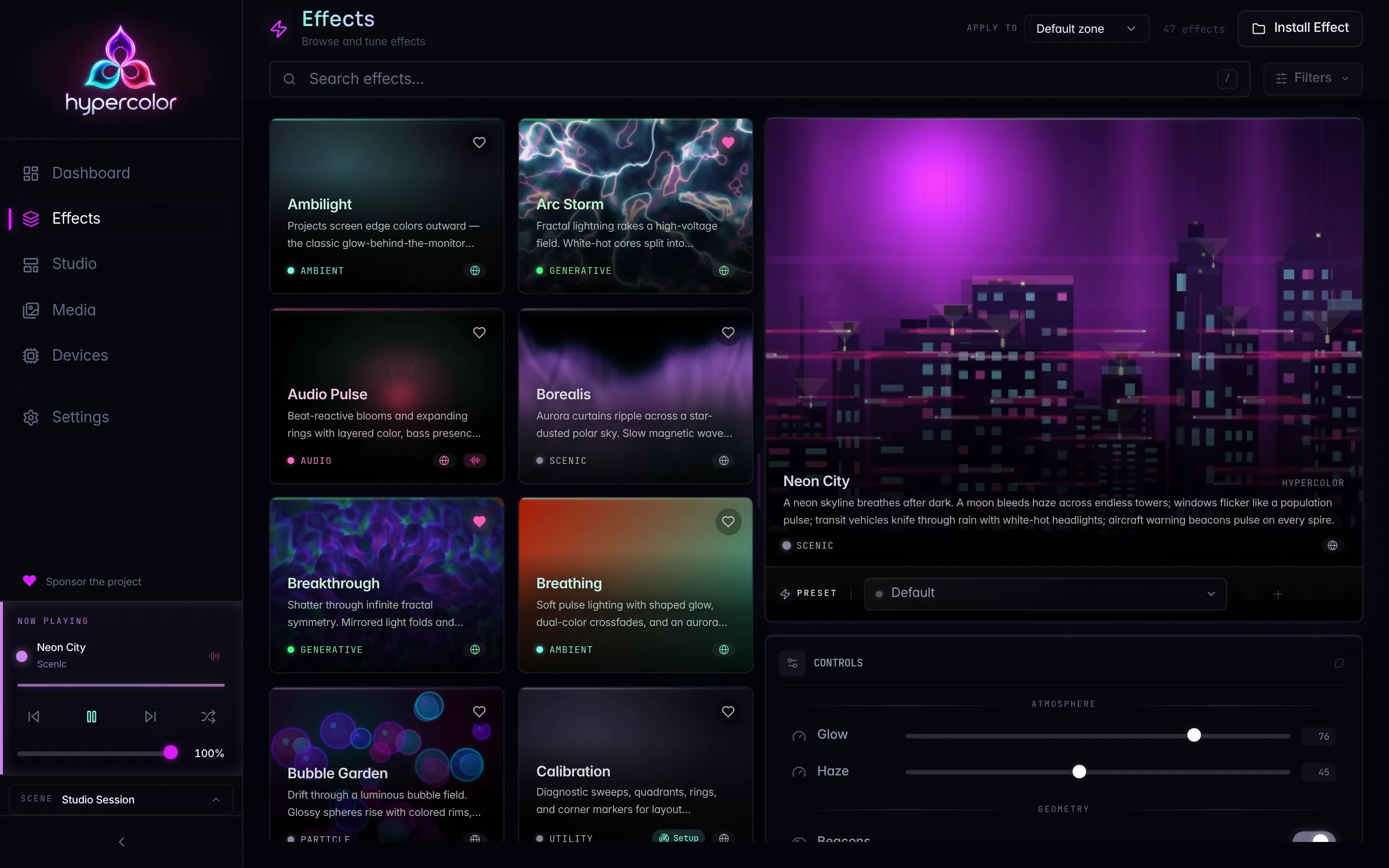
Two effect families ship out of the box. Eleven native effects are compiled into the daemon (crates/hypercolor-core/src/effect/builtin/), and forty-six SDK effects build from sdk/src/effects/ into self-contained HTML, alongside seven display faces from sdk/src/faces/. Those numbers move as the library grows, so the catalog is the source of truth, not a count pinned in a doc. Query the daemon to see what you actually have.
Effect counts drift as the library grows and as you install your own work. Never hardcode a total; ask the daemon. hypercolor effects list -o json returns the full set with a total, and the web UI shows the live count beside the search box.
#Browse from the CLI
The hypercolor effects command tree is the fastest way to explore the catalog from a terminal or a script.
# Every effect, as a table
hypercolor effects list

# Filter to audio-reactive effects only
hypercolor effects list --audio

# Free-text search across names and descriptions
hypercolor effects list --search aurora

# Narrow by category or rendering source
hypercolor effects list --category ambient
hypercolor effects list --source native

# Full detail for one effect
hypercolor effects info borealis
effects list takes four filters, all optional and combinable: --source <native|html|shader>, --audio (a flag, audio-reactive only), --search <text>, and --category <name>. The daemon applies them, so the response carries only the matching rows, and a --category or --source value that does not exist answers with a validation error rather than an empty list. The table view prints effect name, category, author, and version, then a count footer. Add -o json for the raw response or -o plain for one name per line, which pipes cleanly into other tools.
# Names only, ready for a shell loop
hypercolor effects list -o plain | grep -i fire

# Activate the first match with a speed shorthand
hypercolor effects activate spectral-fire --speed 60
After installing a new effect into the daemon’s library directory, run hypercolor effects rescan to make the daemon re-read the catalog. The command reports how many effects it found.
#Browse over REST
GET /api/v1/effects returns the catalog as a list of effect summaries wrapped in the standard { data, meta } envelope.
/api/v1/effectsList the effect catalog. Optional query parameters mirror the CLI filters: q (a case-insensitive substring match over name, description, author, and tags), category, source, audio_reactive, screen_reactive, input_reactive, and include=controls,presets. The response carries items (an array of effect summaries) and a total; the catalog answers complete, so there is no page block.
Each entry in items is an effect summary with this shape:
{
  "id": "borealis",
  "name": "Borealis",
  "description": "Slow aurora curtains in cool greens and violets.",
  "author": "Hypercolor",
  "category": "ambient",
  "source": "html",
  "runnable": true,
  "tags": ["aurora", "ambient", "cool"],
  "version": "1.0.0",
  "audio_reactive": false,
  "input_reactive": false,
  "capabilities": {
    "audio_reactive": false,
    "screen_reactive": false,
    "input_reactive": false
  },
  "cover_image_url": "/api/v1/effects/borealis/cover"
}
The runnable field matters when you build tooling on top of the catalog. An effect can be registered but not runnable on the current build: GLSL shader effects authored for the future native lane report runnable: false until that path ships, and the daemon refuses to apply them. Filter on runnable before offering an effect to a user. The source field tells you the rendering path: html (SDK and raw HTML effects rendered through Servo), native (a compiled-in Rust renderer), or shader (the future GPU lane, not runnable today).
GET /api/v1/effects/{id} returns full detail for a single effect, including its control definitions and any presets. Reach for it when you want to render a controls panel or validate a parameter before applying.
#Categories
Effects carry a category for discovery and filtering. The canonical taxonomy lives in EffectCategory (crates/hypercolor-types/src/effect.rs) and serializes as snake_case:
| Category | What lives here |
|---|---|
ambient | Slow, set-and-forget: aurora, breathing, gradient |
audio | Music-reactive: spectrum, beat pulse, waveform |
generative | Algorithmic and mathematical: voronoi, fractals, cellular automata |
particle | Physics simulations: fire, meteors, bubbles |
scenic | Environmental compositions: cyberpunk city, underwater |
interactive | Input-responsive: keystroke ripple, heatmap |
fun | Playful and seasonal: corner hunt, snowfall, dragonfire |
source | Live feeds and sampled surfaces: web pages, cameras, screen capture |
utility | Functional: solid color, off, system monitor |
display | Full-fidelity HTML display faces for LCD surfaces |
The MCP list_effects tool advertises the same vocabulary. Its category enum is generated from EffectCategory::VARIANTS precisely so it cannot drift, so the names in the table above are the names an agent sends, byte for byte.
#Browse from an MCP agent
An agent driving Hypercolor reads the catalog with the read-only list_effects tool before applying anything. It accepts category, audio_reactive, query (full-text across names, descriptions, and tags), plus limit (default 20, max 100) and offset for pagination.
{
  "name": "list_effects",
  "arguments": {
    "category": "audio",
    "audio_reactive": true,
    "limit": 10
  }
}
The companion set_effect tool takes a query that accepts an exact effect ID, an exact name, or a unique name substring, and returns the updated zone resource. There is no fuzzy matching and no confidence score; natural-language colour descriptions are handled by set_color, not set_effect. The canonical agent loop is read state, discover options with list_effects, then apply with set_effect. The MCP server is off by default; enable it in the daemon’s [mcp] config before an agent can reach the catalog.
#Visual gallery
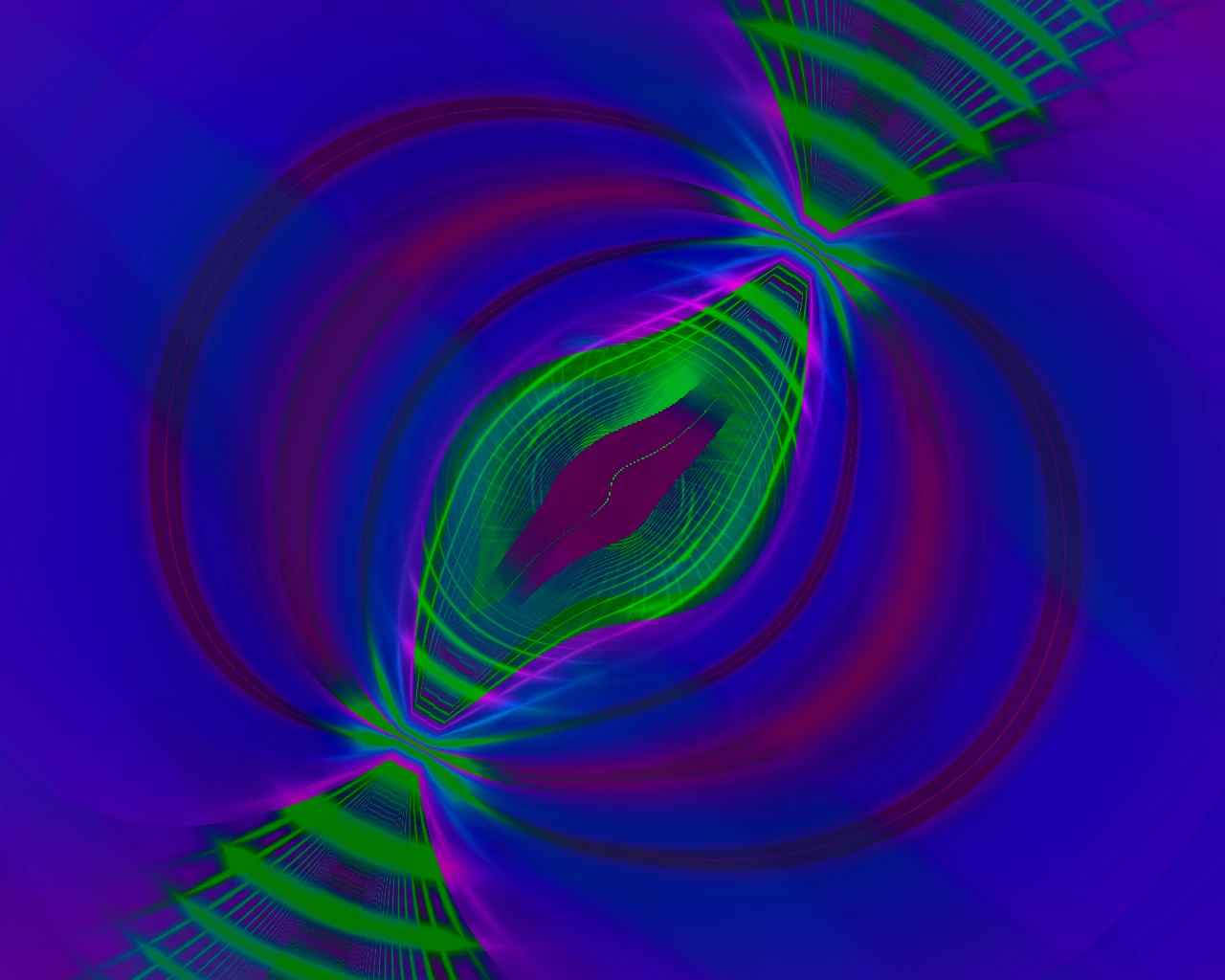
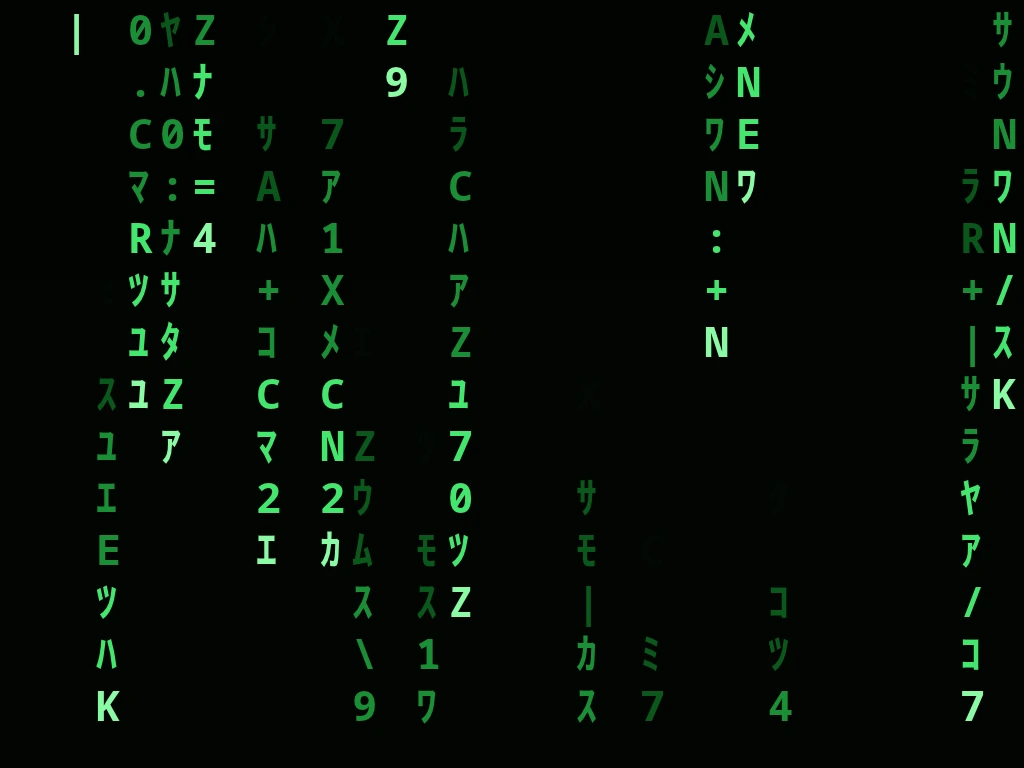
The web UI renders each effect as a live, animated tile, which is the best way to actually choose one. The cards below are static captures of a selection of shipped effects; the running UI shows every effect in your library, animated, with search and category filters above the grid.






















#Where effects come from
graph LR
  N[Native Rust
builtin/] --> R[Effect registry]
  S[SDK effects
sdk/src/effects] --> R
  U[Your shipped
HTML effects] --> R
  R --> CLI[hypercolor effects]
  R --> REST[GET /api/v1/effects]
  R --> UI[Web UI browser]
  R --> MCP[list_effects tool]
The eleven native effects are part of the daemon binary. The SDK effects build from TypeScript and GLSL sources into HTML artifacts. Effects you author land in the daemon’s library directory and join the same registry after a rescan. Every browsing surface reads that one registry, so the catalog stays consistent no matter how you query it.
#Add your own
The catalog grows when you ship an effect. Start at creating effects for the scaffold-to-hardware loop, then the dev workflow for the build, validate, and ship cycle. To add a compiled-in native effect, see native Rust effects, which walks through registration in builtin/mod.rs. Once shipped, your effect appears in hypercolor effects list alongside everything else after a hypercolor effects rescan.